
Generating QR codes with TYPO3 v14
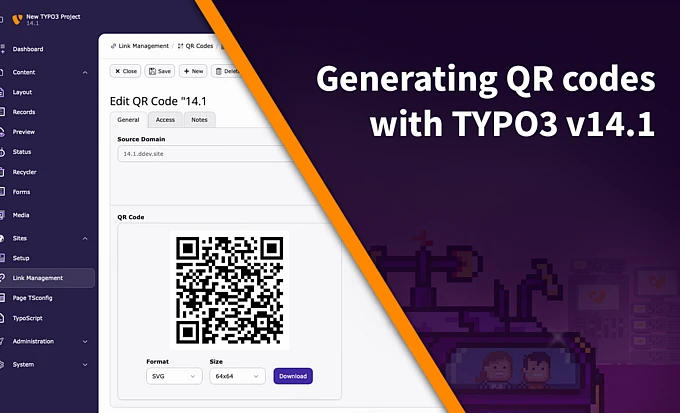
With version 14.1 editors now have the ability to generate and download QR codes and have them link back to pages in the page tree.

Quick Response Codes (QR Codes)
In this guide you will learn how to create Quick Response codes and have them link to pages in TYPO3’s Page Tree ready to be shared.
Note, to generate QR codes, you must be running TYPO3 v14.1 or higher and have the Redirects System Extension installed and activated.
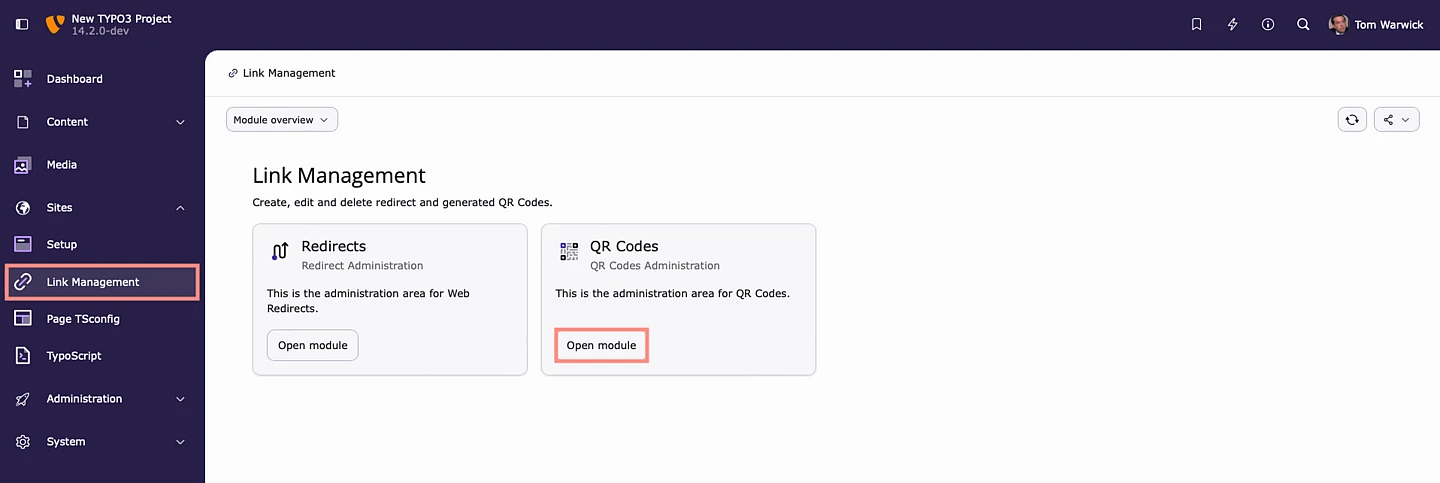
Accessing The QR Codes Module
On the left hand side there is a new option called Link Management, found within Sites.
From here we have the new QR Codes module.
Also note that the Redirects module has been moved and now sits within Link Management.
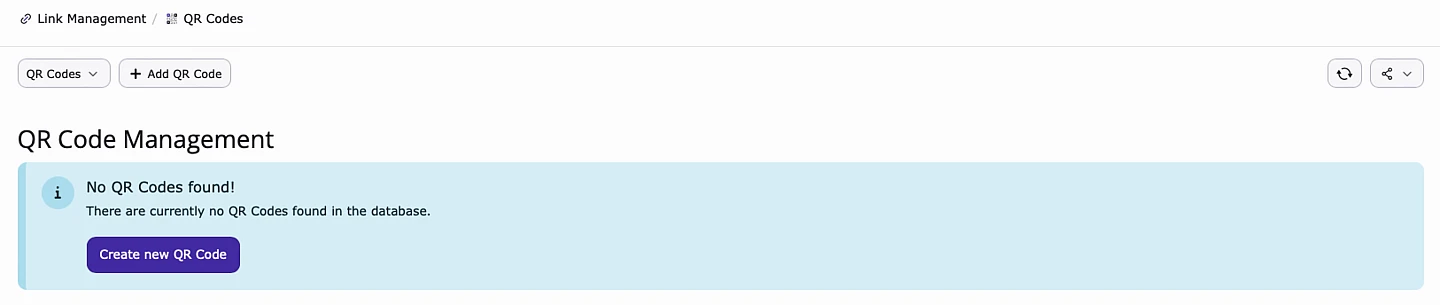
Creating A New Record
To create a new QR Code, select “Create new QR Code”.
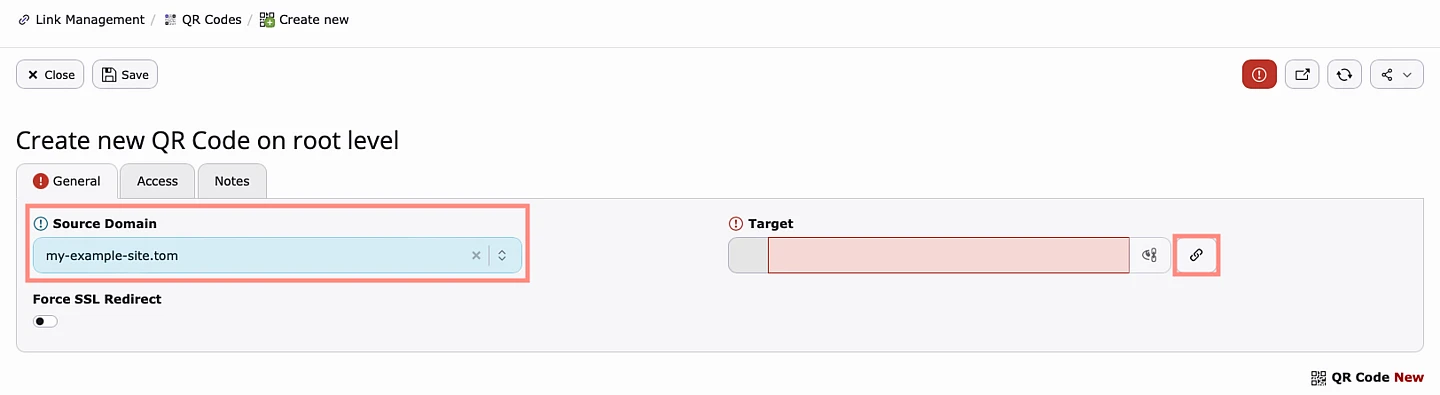
General Tab
Source Domain: Select the domain you wish to link to the QRC. If you only have one site in your installation, there will be only one option to choose from.
Target: Specify which page in the Page Tree your QRC will point to. It is also possible to link to Files stored in TYPO3 and also point to external URL's.
Force SSL Redirect: Force all requests to be served via https.
Access Tab
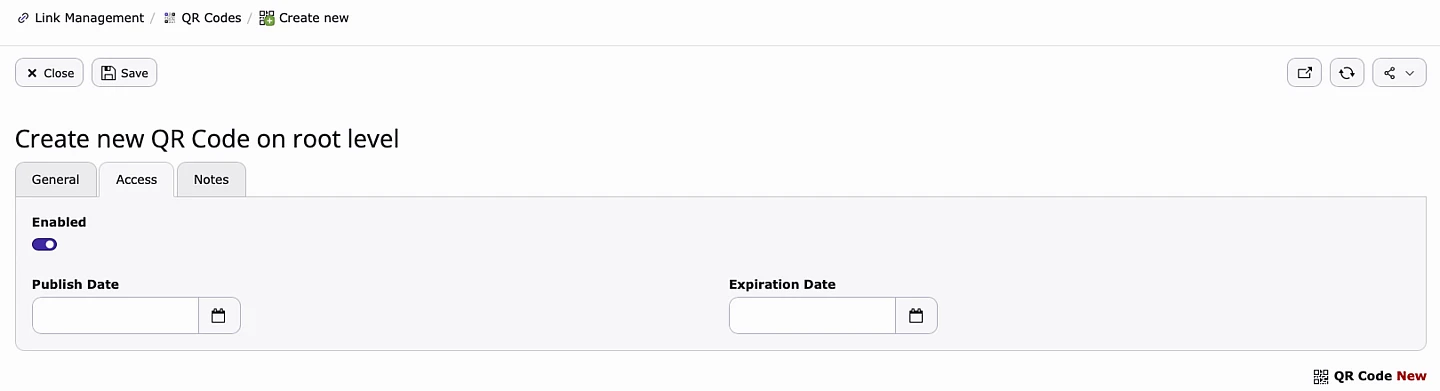
Enabled: Toggle the QRC on and off.
Publish Date: Set a publish date.
Expiration Date: Set an expiration date.
Notes Tab
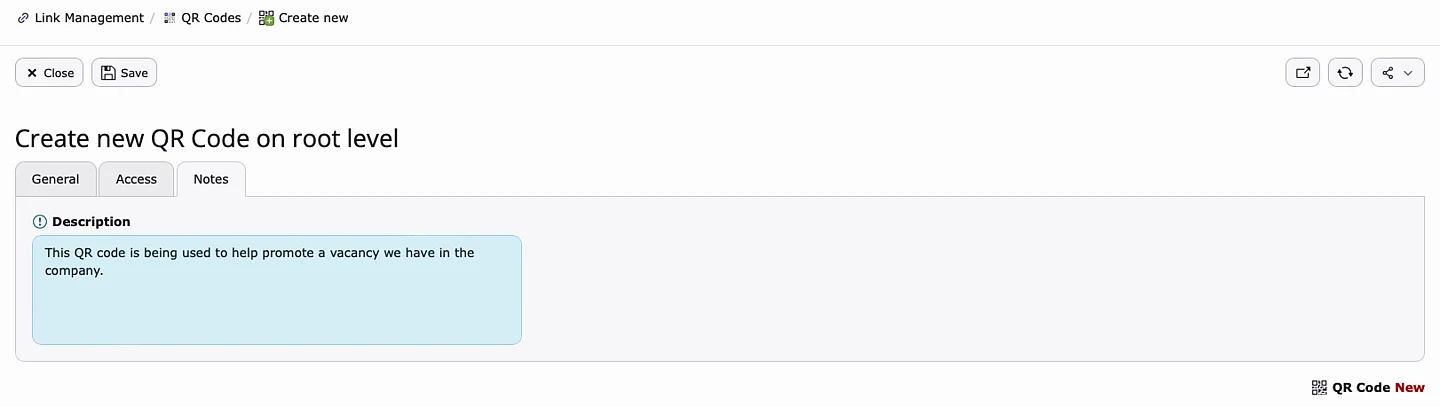
The Notes tab is a convenient way to leave internal message that can be viewed by other backend users.
Downloading Your New QR Code
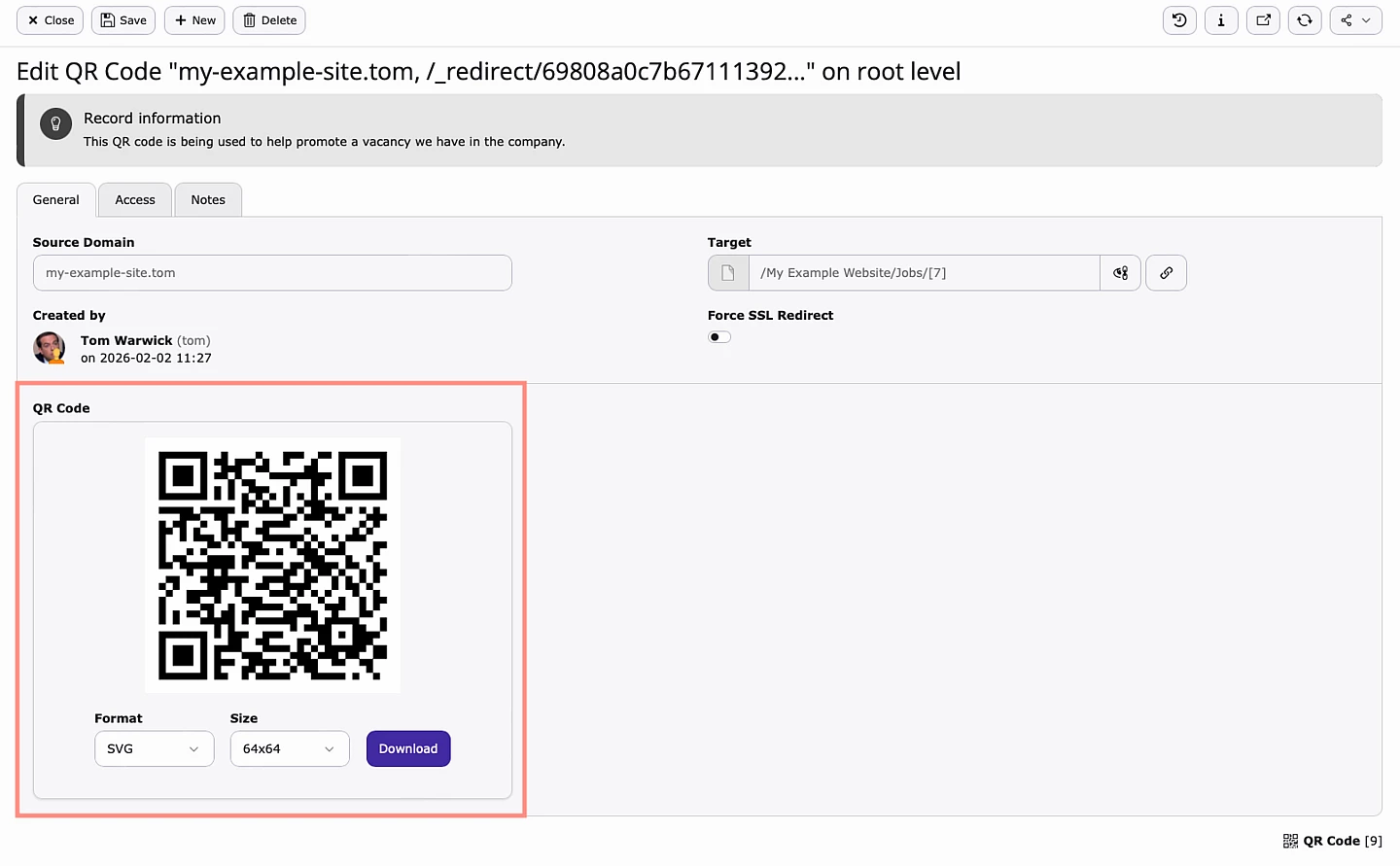
Once you have created your QRC, it can then be downloaded via two different formats with several sizes available.
PNG: 64x64, 128x128, 256x256 and 512x512
SVG: 64x64, 128x128, 256x256 and 512x512
Making Changes To Existing QR Codes
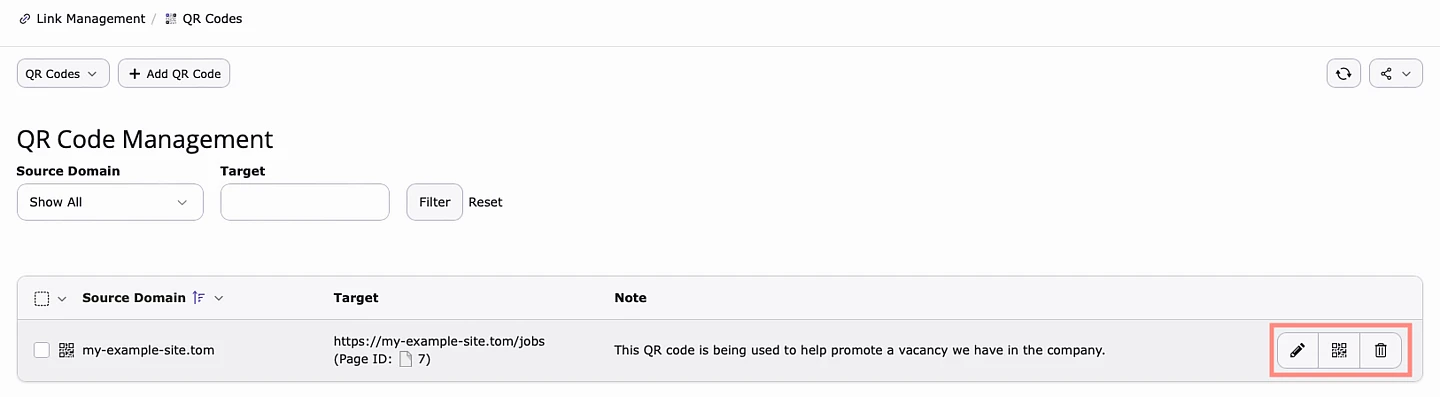
Edit Icon: Once a QRC has been created, it is possible to change where it points to at a later date. For example, my new QRC points to a new vacancy. Once that vacancy has expired, I can update the QRC so that it points somewhere else.
Quick Download: Easily download the QRC.
Delete: Delete the QRC.
Thank You b13
A big thank you goes to b13 and Jochen Roth for developing this feature.
