
Relaunch Redirects Extension Finds Broken URLs Before the Go-Live
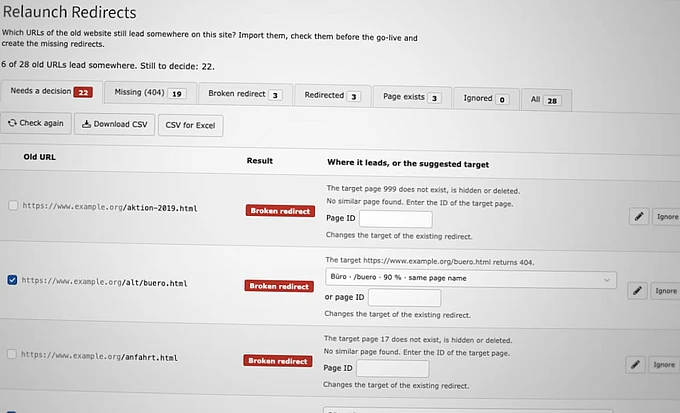
A new TYPO3 extension checks a site’s old URLs on a staging system, flags those that would end in a 404 page-not-found error, and proposes redirects. A console command can also stop a deployment when old links would fail.

When a website is relaunched, its URLs change. Search engines, bookmarks, newsletters, and other websites keep pointing to the old addresses, and every old URL that ends in a 404 loses its visitors and its ranking. Most teams find these URLs after the go-live, in the 404 log or in Google Search Console. At FUF // Frank und Freunde, a TYPO3 agency in Stuttgart, Germany, we wanted to find them before.
That is why we built the Relaunch Redirects extension (fuf_relaunch_redirects), now available for TYPO3 13.4 LTS and 14.3 LTS in the TYPO3 Extension Repository (TER).
How It Works
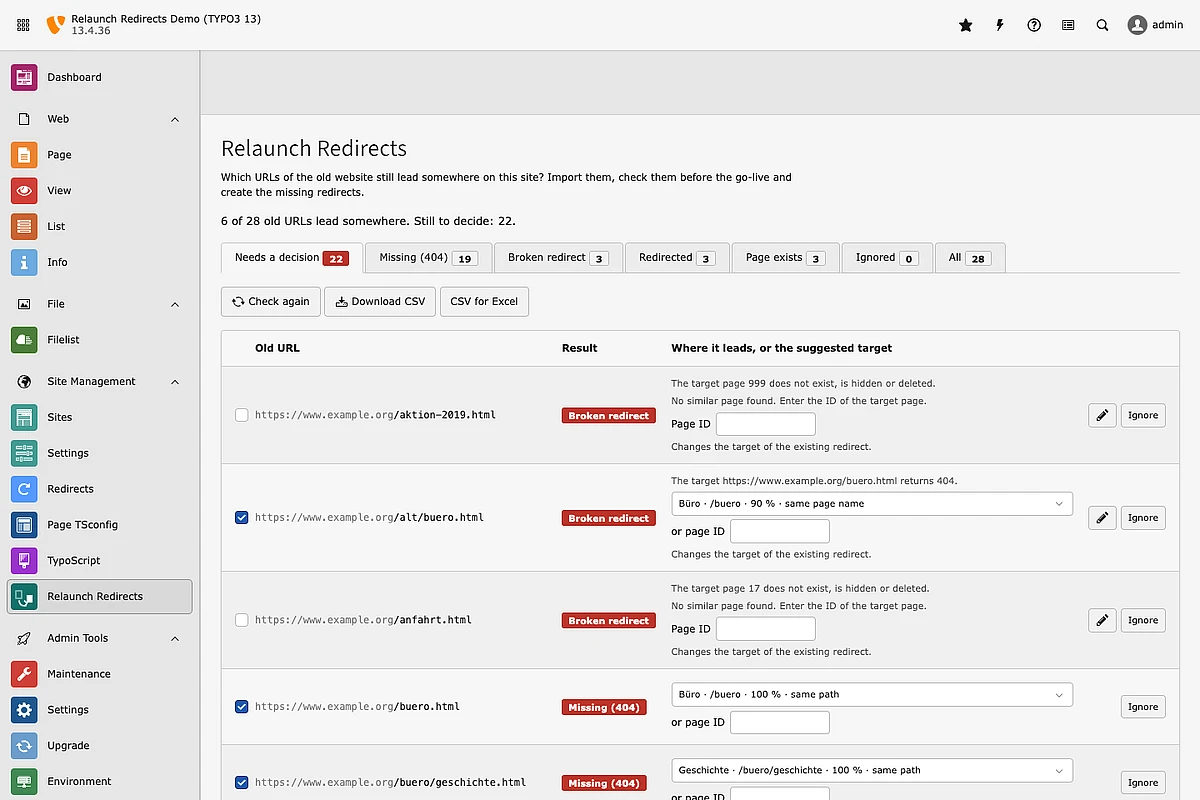
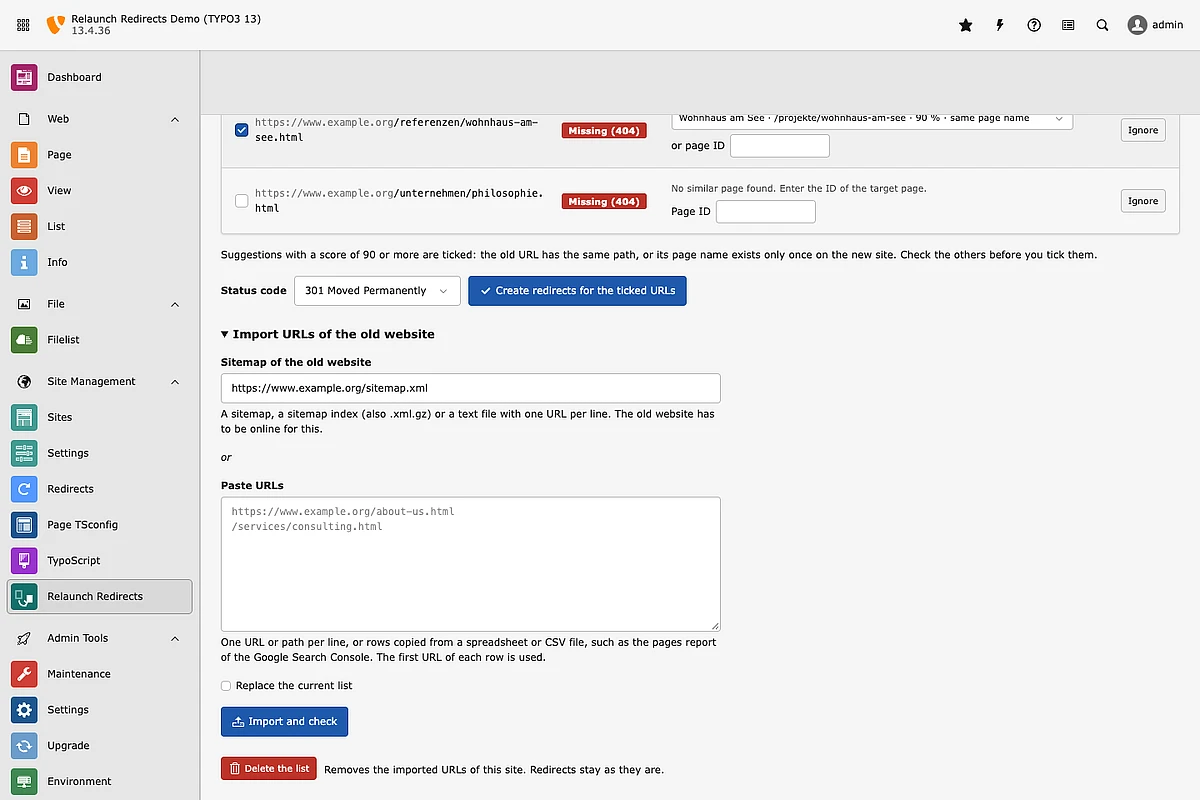
You import the URLs of the old website: an XML sitemap, a sitemap index, a plain list of URLs, or a CSV export from Google Search Console or a crawler. The extension follows each URL the way the TYPO3 frontend would: existing redirects first, including chains, loops, and regular expressions, then the page router, including shortcut, hidden, and access-restricted pages. Nothing is requested over the network, so the check runs on a staging system before the domain is switched.
For every URL that would end in a 404, the extension suggests a target page with a score. Safe suggestions, such as the same path or a page name that exists only once, are already selected. One click creates the redirects in the TYPO3 Redirects module, where editors manage them as usual.
In Deployments
The same check runs as a console command, so a deployment pipeline can fail when old URLs end in a 404:
vendor/bin/typo3 relaunch-redirects:check main --fail-on-problemsThe command takes the identifier of the site and checks every imported URL again. It lists the URLs that would end in a 404 and exits with code 1 if there are any. Further commands import the old URLs from a sitemap, a file or standard input, create redirects for suggestions above a minimum score, and export the results as CSV. All commands are described in the documentation.
Get It
Install the Relaunch Redirects extension from the TER. The code is on GitLab. Issues and merge requests are welcome.
