
How to Upgrade an Outdated TYPO3 Version: Our Step-by-Step Guide

Learn how to check if your TYPO3 version is outdated and choose the best way to upgrade your TYPO3 website.

The question "My TYPO3 version is no longer supported, what now?" appears frequently on our support board. If your website is running on an older TYPO3 version, there is no need to panic. While an outdated CMS is a real risk to your security and your budget, the path to an upgrade is manageable. Missing security patches and lack of compatibility with modern PHP versions can become costly over time, but professional solutions are readily available.
The only wrong move is to do nothing. Whether you stay with your current agency, find a new partner, or switch to a solution, the goal is a secure and stable website.
Here is a step-by-step guide to your options:
1. How to Check if Your TYPO3 Version is Outdated
Identifying whether your digital foundation is still on solid ground begins with a quick check of your current TYPO3 version, which you can find by logging into your backend and looking at the version number next or below the logo in the upper left corner. If you find that your site is running on version 12 or below, you should know that your system is either already out of its free maintenance window or very close to it since version 12 officially reaches its end of community support on April 30 2026.
Upgrading your TYPO3 version is an essential investment because it shields your installation from emerging security risks and ensures your website continues to benefit from modern performance optimizations and architectural improvements. You can always verify the exact status of your specific installation by visiting the official development roadmap to see exactly where your version stands in its lifecycle. If you find your version is outdated, the path forward is a manageable process that your technical team or agency can help you navigate to a supported version to keep your digital project a secure and reliable asset for your business.
2. Talk to Your Agency about Upgrading Your TYPO3 Version
If you already work with a service provider or agency, they should be your first point of contact. Reach out to your project manager to request an upgrade to a supported LTS (Long Term Support) version. They are the natural starting point due to their insight into your project's history. That said, ensure they have a proven experience with TYPO3 and TYPO3 upgrades, as understanding your old code is not the same as knowing how to modernize it for the future.
If a full upgrade is not possible immediately, ask about ELTS (Extended Long Term Support). This service provides you with up to four additional years of security updates while you plan your next move.
3. Find a TYPO3 Expert for Your Upgrade
If you do not have an agency or feel it is time for a new perspective, you have reliable options. The success management team at the TYPO3 company provides objective advice to help you understand your technical requirements and find a clear path forward.
You can also find certified agencies in the official TYPO3 partner listing. These experts are technically verified by the TYPO3 GmbH and can handle all types of migrations, from standard version jumps to complex system overhauls.
3.1 Find a TYPO3 Expert with Industry-Specific Experience
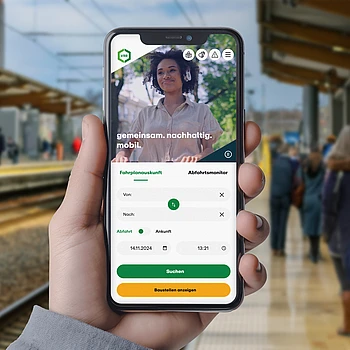
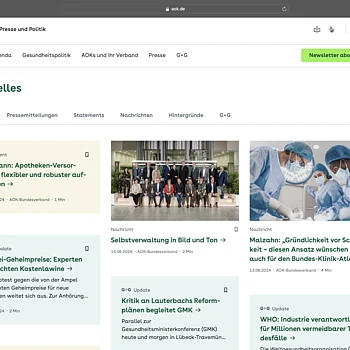
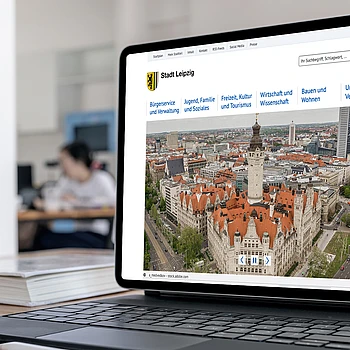
Every industry has its own requirements: from strict accessibility for government projects to complex data management for higher education and global scalability for enterprise brands. Your partner should understand these nuances from day one. Our industry landing pages allow you to browse through TYPO3 success stories and experts who specialize in your specific business environment.
3.2 TYPO3 Upgrade Solutions for Your Use Case
Sometimes it is not just about the industry, but the specific technical goal. Our use case landing page provides a comprehensive overview of how TYPO3’s features support organizations of all kinds. Whether you are implementing a headless setup, managing third-party integrations, or building a high-performance multi-site environment, these resources help you verify that your partner possesses the expertise required for your specific goals.
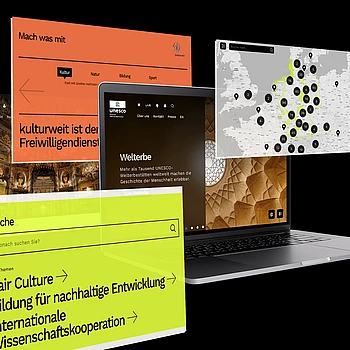
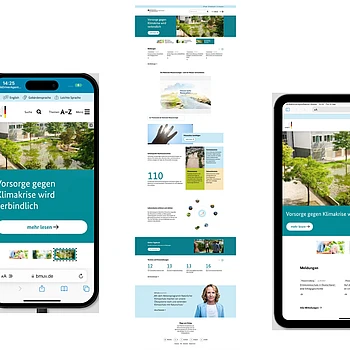
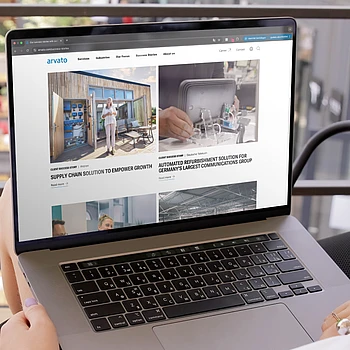
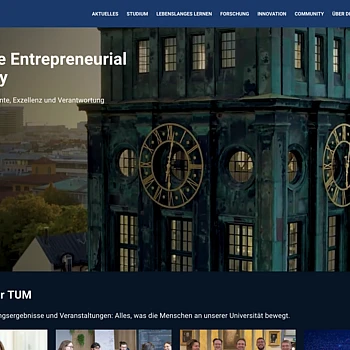
If you seek practical examples of how TYPO3 meets diverse project requirements, these case studies provide direct insights. They document how challenges were addressed to achieve goals across various industries.

















4. Managed TYPO3 Services or SaaS Alternatives
For some organizations, the challenge is not just the current upgrade but the ongoing cycle of maintenance. If you are unsure about your long-term technical requirements or a permanent solution, a managed service or SaaS (Software as a Service) model is one possible route to consider.
One example of this approach is the TYPO3 Website Builder. This model functions similarly to an "Upgrade Flat Rate." For a predictable fee, everything is taken care of behind the scenes, including the technical engine, web hosting, security patches, and core updates
Compare TYPO3 Features and Migration Options
Managed services or SaaS solutions often include a wide range of ready-to-use content elements and features right out of the box, which can simplify your daily work. While there is no "push button" solution to instantly move an old site, you can choose to either rebuild your existing structure within the new environment or use the move as a moment for a fresh relaunch. Because every project is unique, we recommend a personal consultation to determine if this path fits your specific technical landscape.
How TYPO3 SaaS Works with Your Agency
Choosing a managed solution does not mean you have to leave your current agency. Organizations use the website builder as a technical foundation while their existing agency continues to manage design, content, and strategy. This allows you to keep your trusted partner agency while the SaaS provider handles the technical maintenance.
Conclusion: Next Steps in Upgrade Your TYPO3 Version
There is no single correct way to upgrade, but there is a reliable solution for every project requirement. Selecting the best path forward for your website is a key factor in maintaining a reliable and secure digital presence. If you are unsure which path to take, contact our Success Management team. We are happy to help you find the best strategy for your specific situation.
Contact our Partner Management Team

Luisa Sofie Faßbender
Senior Success Manager

Myrna Gönnemann
Success Manager
